Can we use Hatch in a browser?
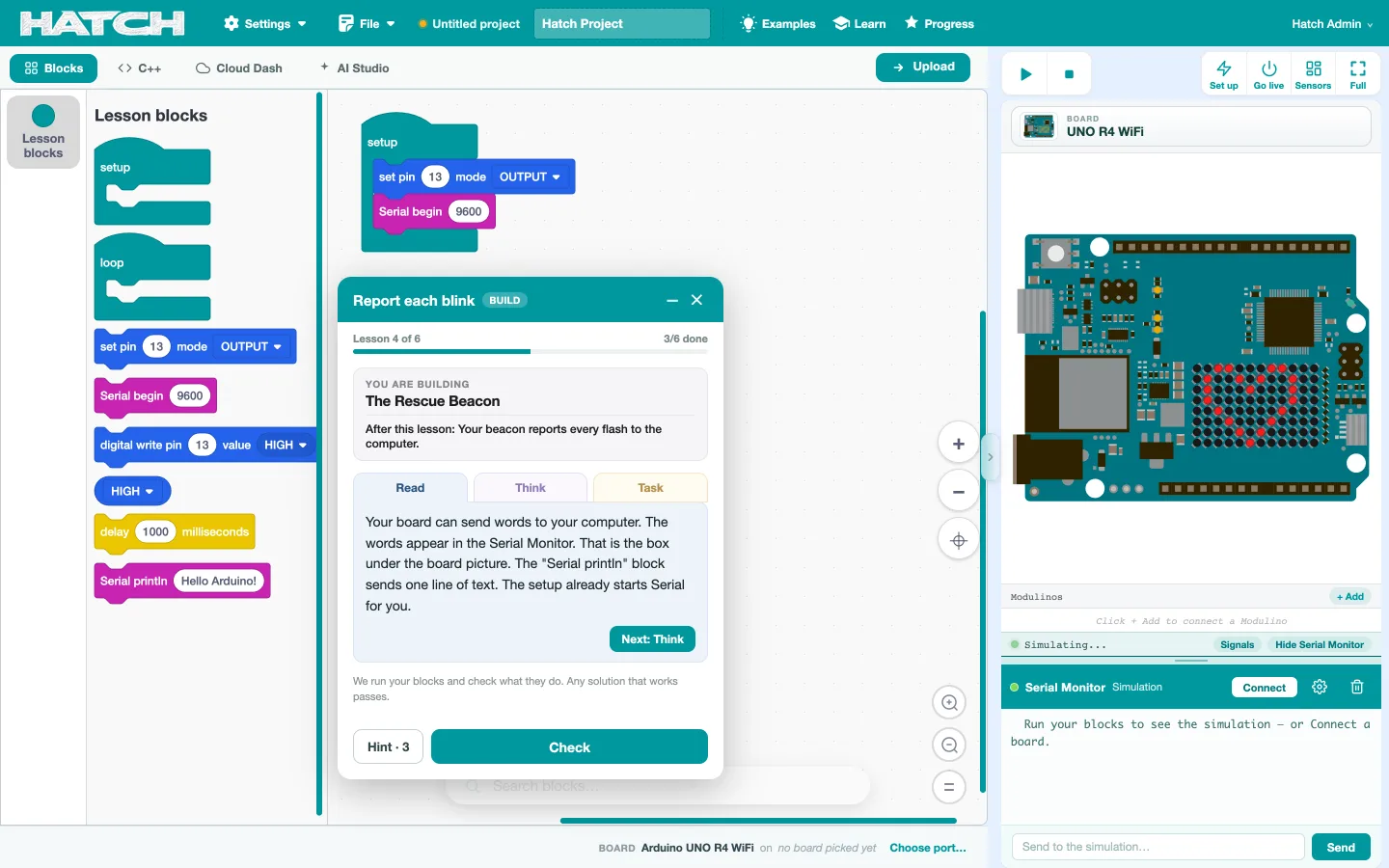
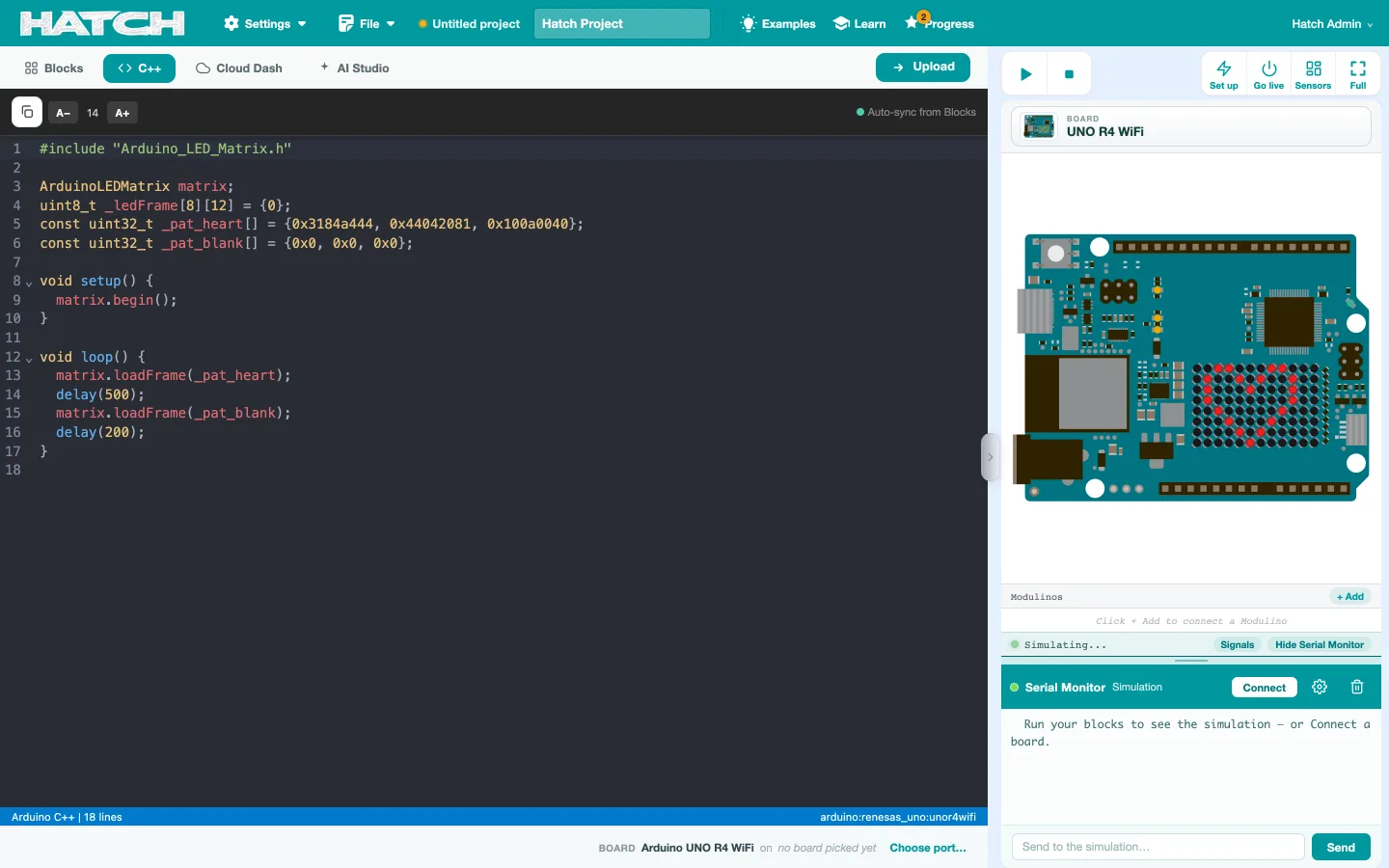
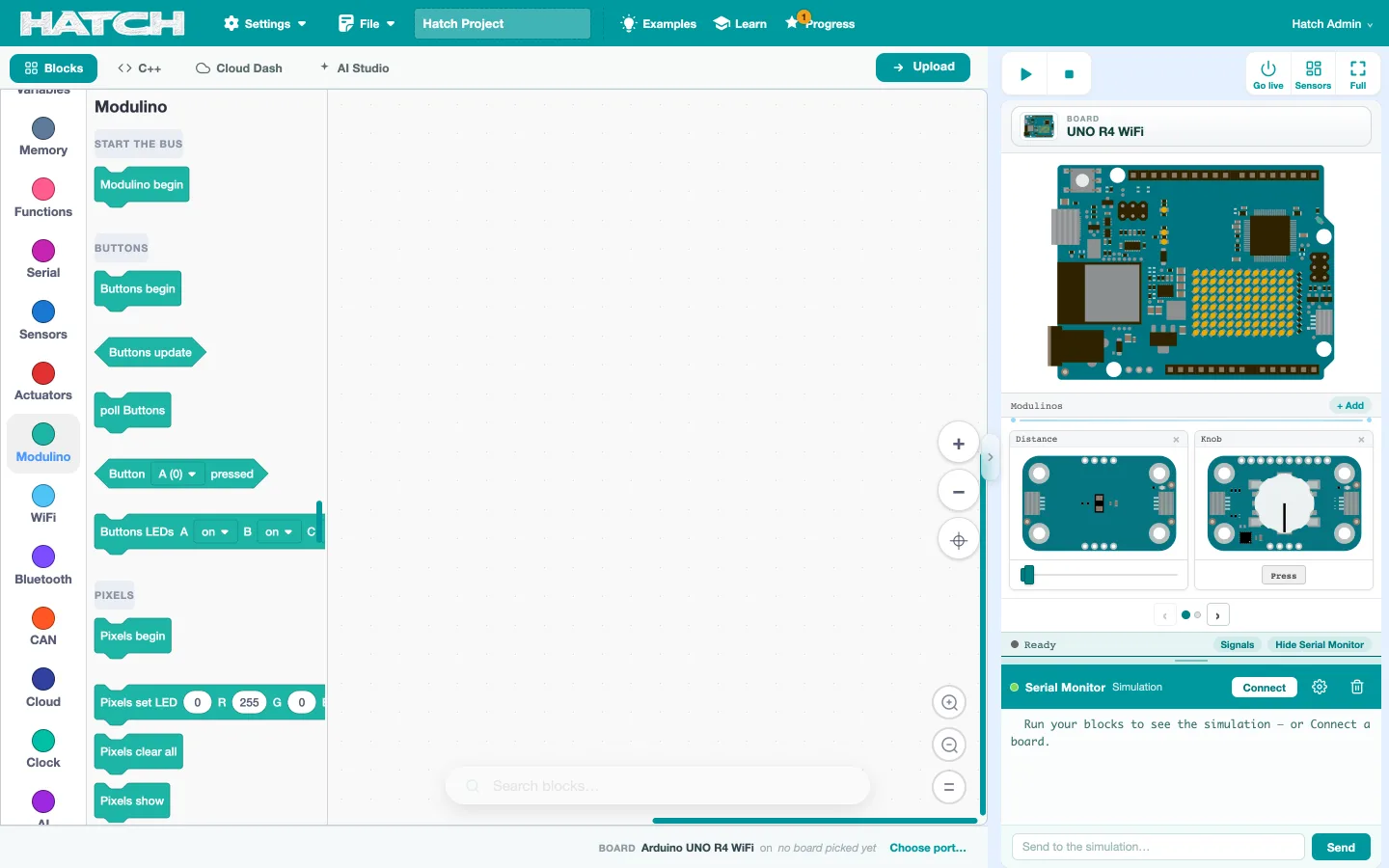
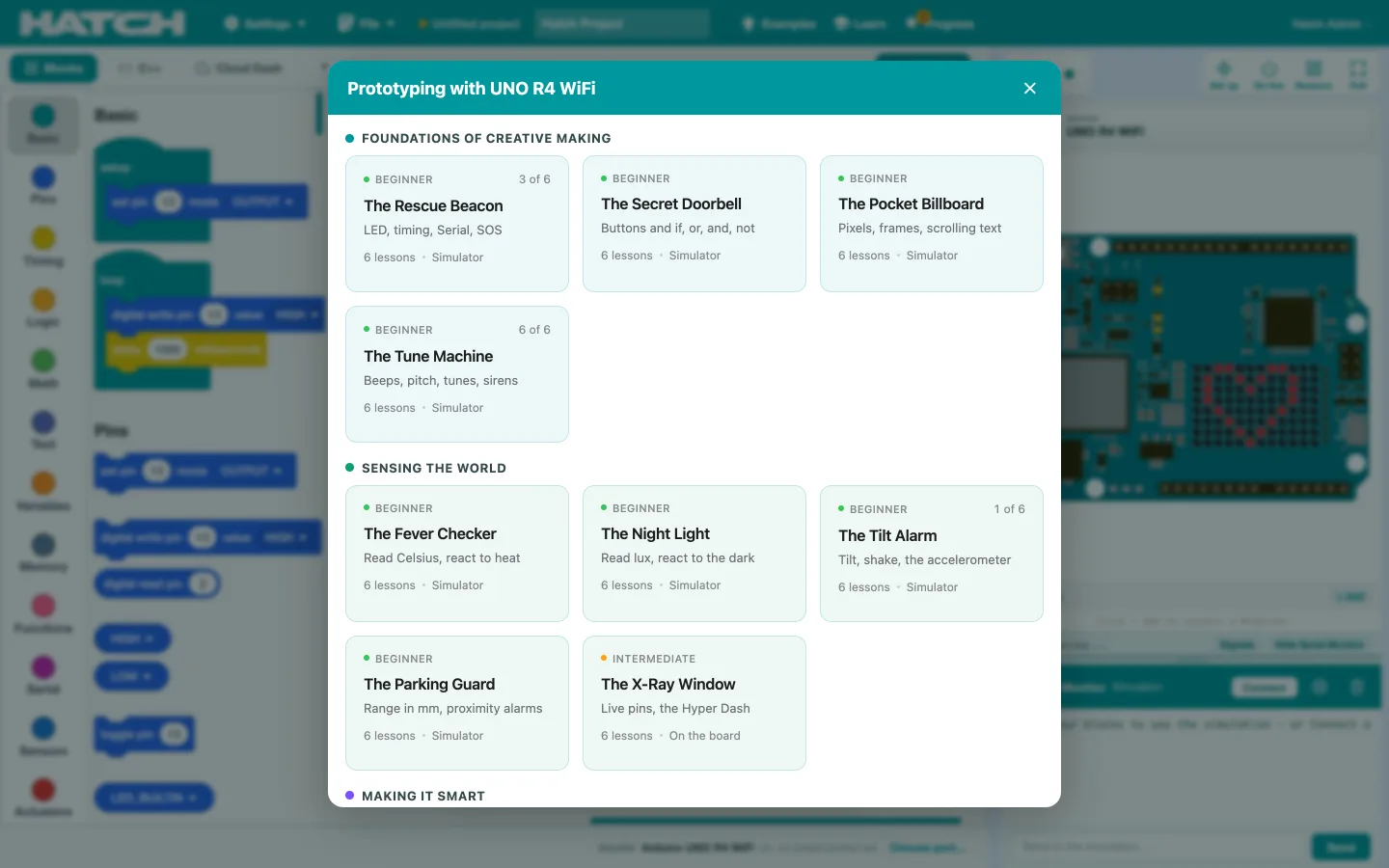
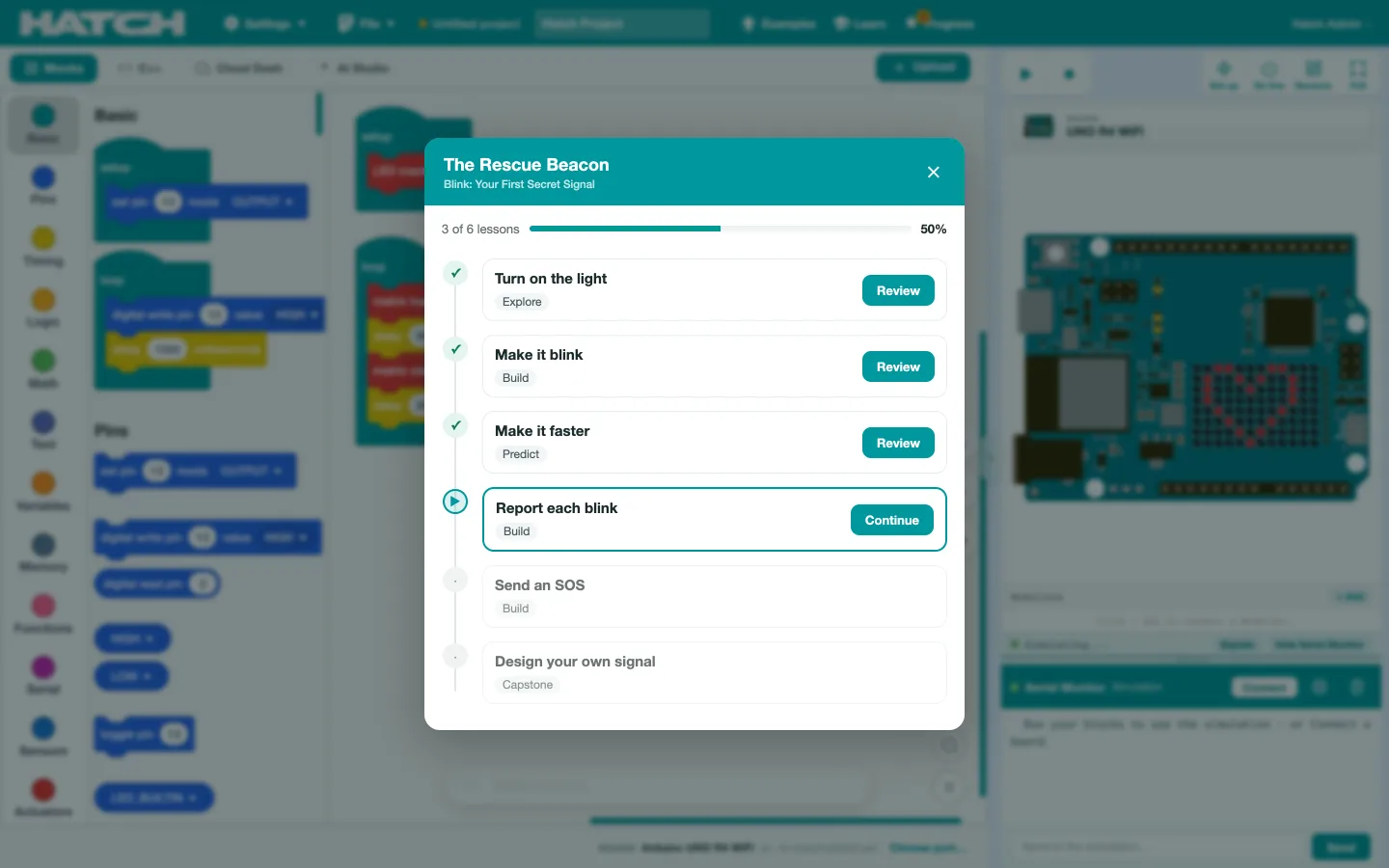
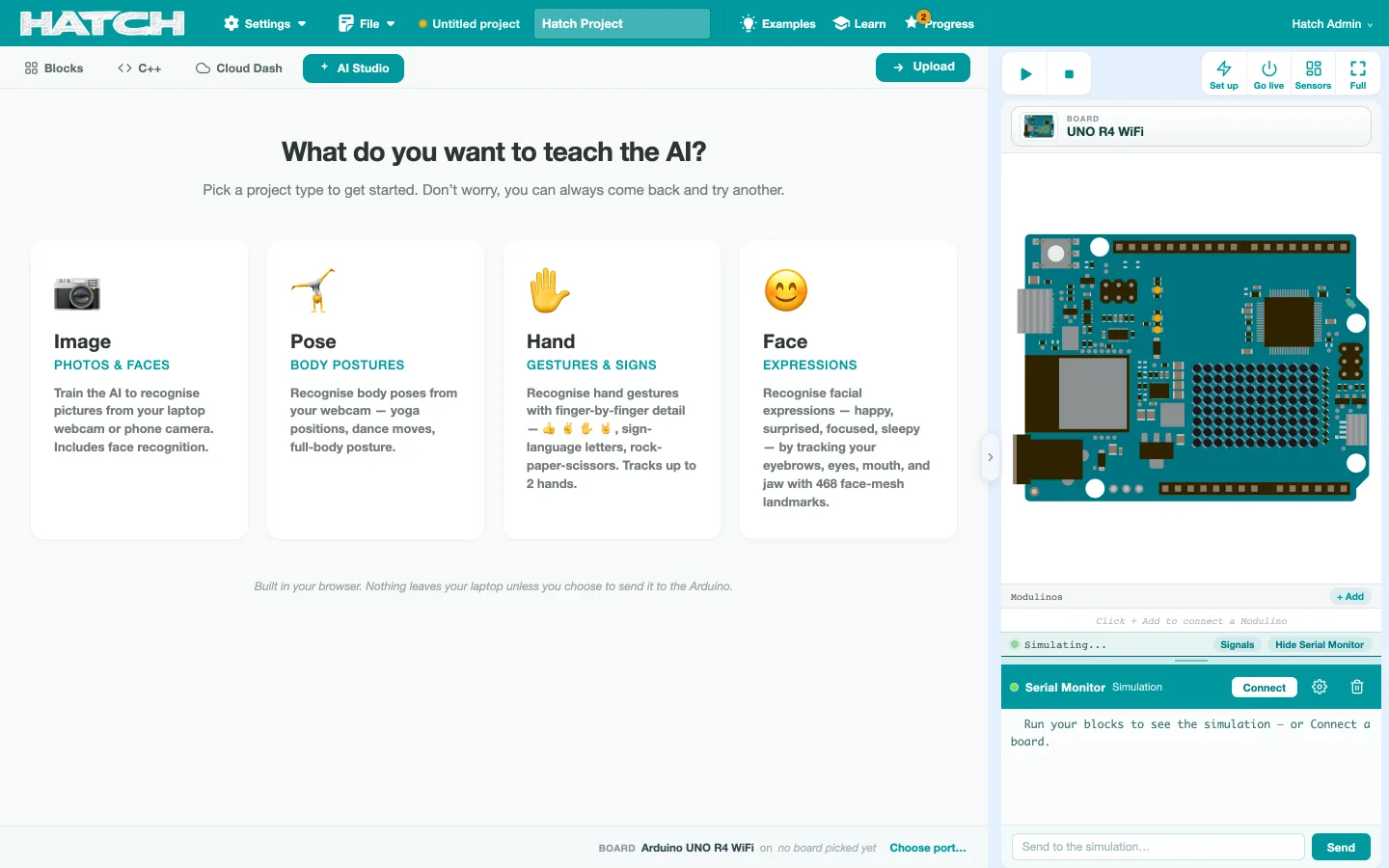
Yes, with a school account, in Chrome or Edge. The browser edition runs the simulator, the full R4 course and AI Studio, and it uploads to an Arduino UNO R4 WiFi over the browser's own serial connection. Other browsers can run everything except the upload.
Which boards does it support?
The browser edition is the school edition, and it is locked to the Arduino UNO R4 WiFi on purpose. One board, learned properly, beats five half-learned. The desktop edition adds the Arduino UNO Q and its Edge AI course.
Do we need internet in the lab?
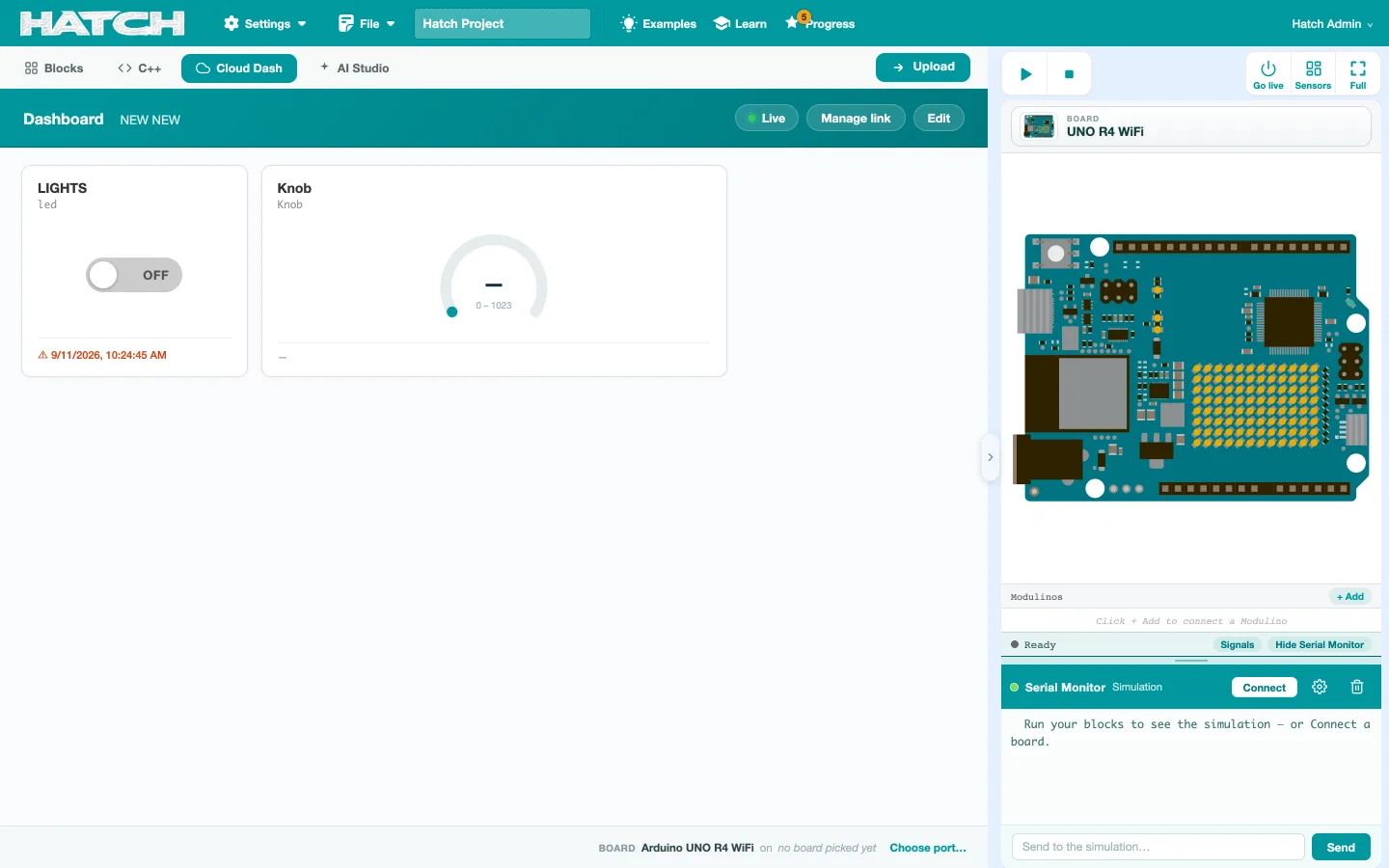
The browser edition does, since compiling happens on our server. The desktop edition ships with the Arduino cores bundled, so the first compile works with no internet. Internet is needed for cloud features and updates.
How do students get accounts?
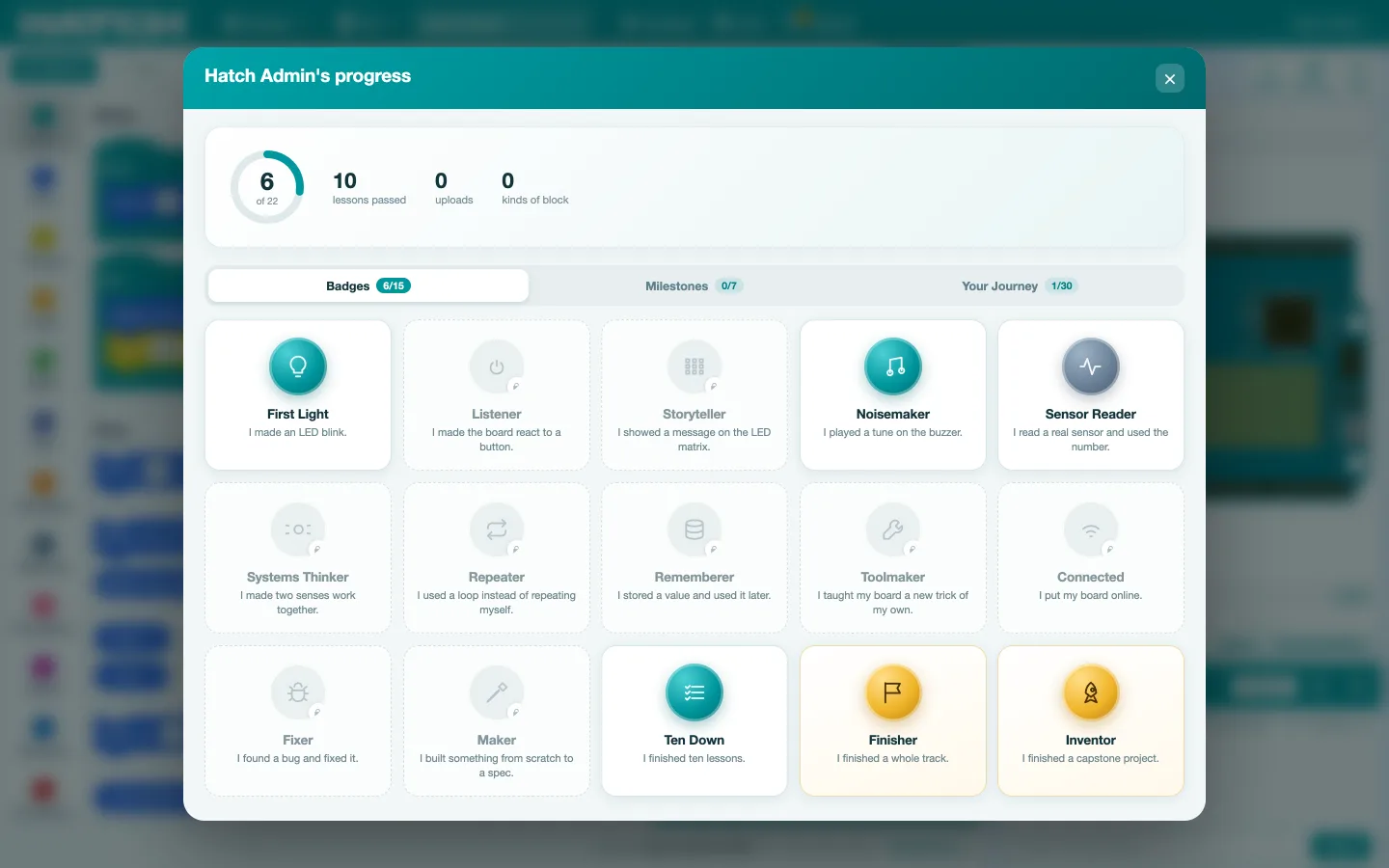
From us, or from a roster the school uploads and we approve. There is no public sign-up, on purpose. A student signs in with a username and a PIN, and their lesson progress follows them to any machine.
Is there a teacher dashboard?
Not as a product, and we would rather say so. Today a teacher sees which boards in the room are online, can open a student's project read-only, and can send a suggested fix that the student chooses whether to apply. Class reports are the next piece of work.
What does Hatch cost?
The desktop edition comes with the Composite Skill Lab programme. Browser accounts are priced per school with the programme they sit inside, so we quote on a call rather than publish a number we would have to qualify.
Is this Scratch?
It is built on Scratch's editor, which is open source, and then changed substantially for hardware. It is not made by or endorsed by the Scratch Foundation or MIT.